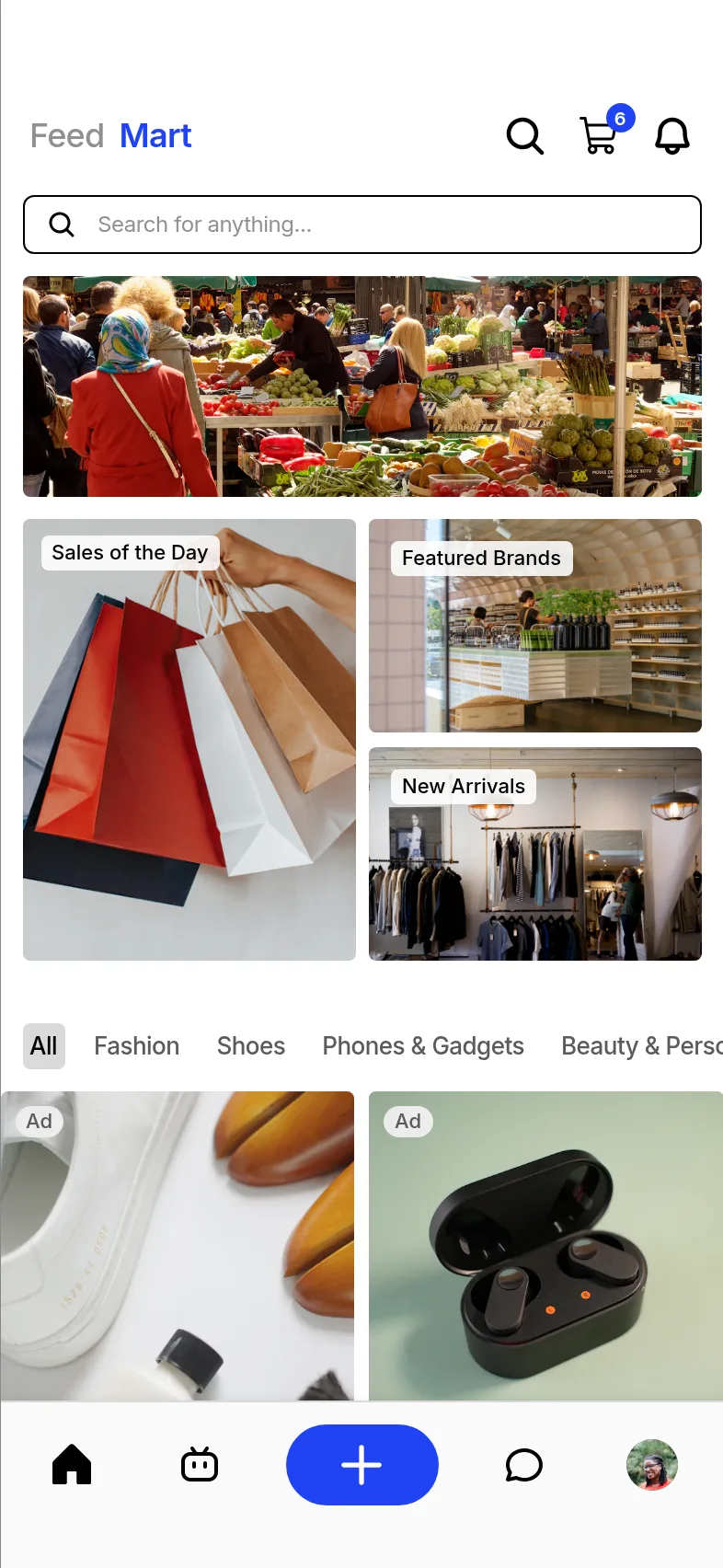

Sell on Nantty
Turn your followers into paying customers.
Post, go live and tag your products. Buyers check out inside the app, pay into escrow, and you get paid to your wallet once they confirm delivery.
Already selling? Open Nantty Creator (opens in a new tab) and sign in with your Nantty app account. It's free for every seller.
How selling works
From application to first payout.
Every store is reviewed before it opens. After that, selling is as simple as posting.
Step 1
Apply
Tell us about your business, what you sell and where you ship from. It takes a few minutes in the app.
Step 2
Get reviewed
We check your details so buyers know your store is real. Approved stores get a verified badge.
Step 3
List products
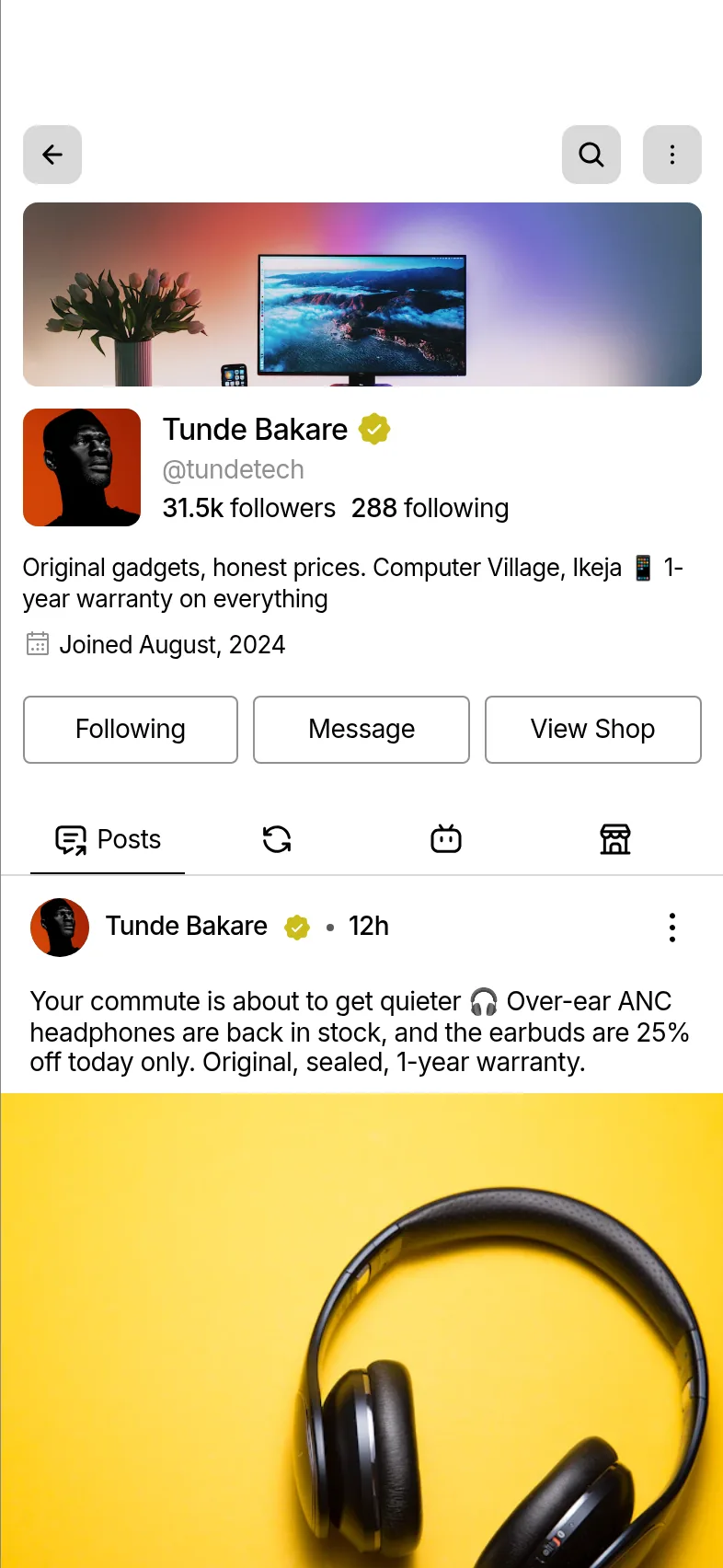
Add photos, prices in your local currency, sizes, colours and stock. Your store shows on your profile.
Step 4
Sell through content
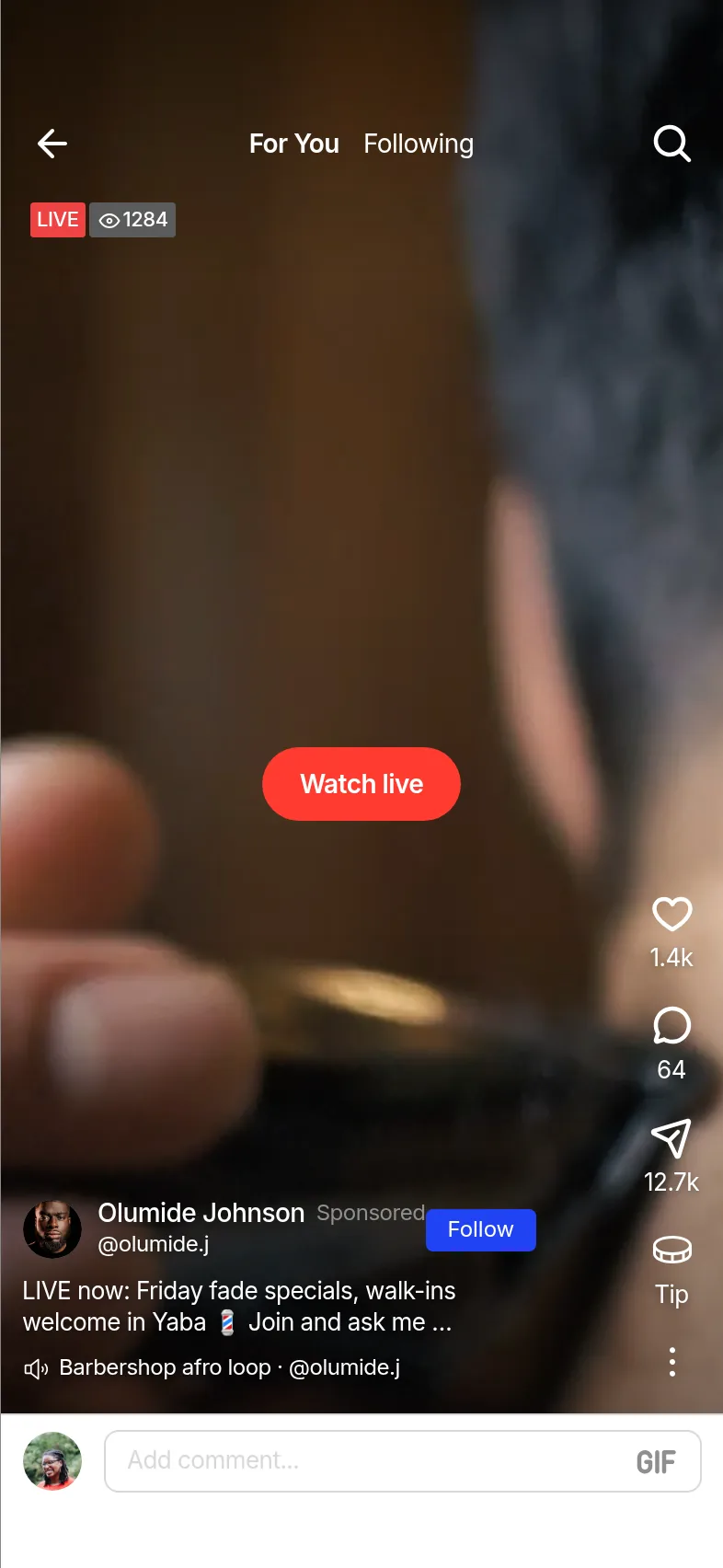
Tag products in posts, clips, stories and live streams so viewers can buy without leaving.
Step 5
Get paid
When a buyer confirms delivery, the money moves from escrow to your wallet, ready to withdraw.
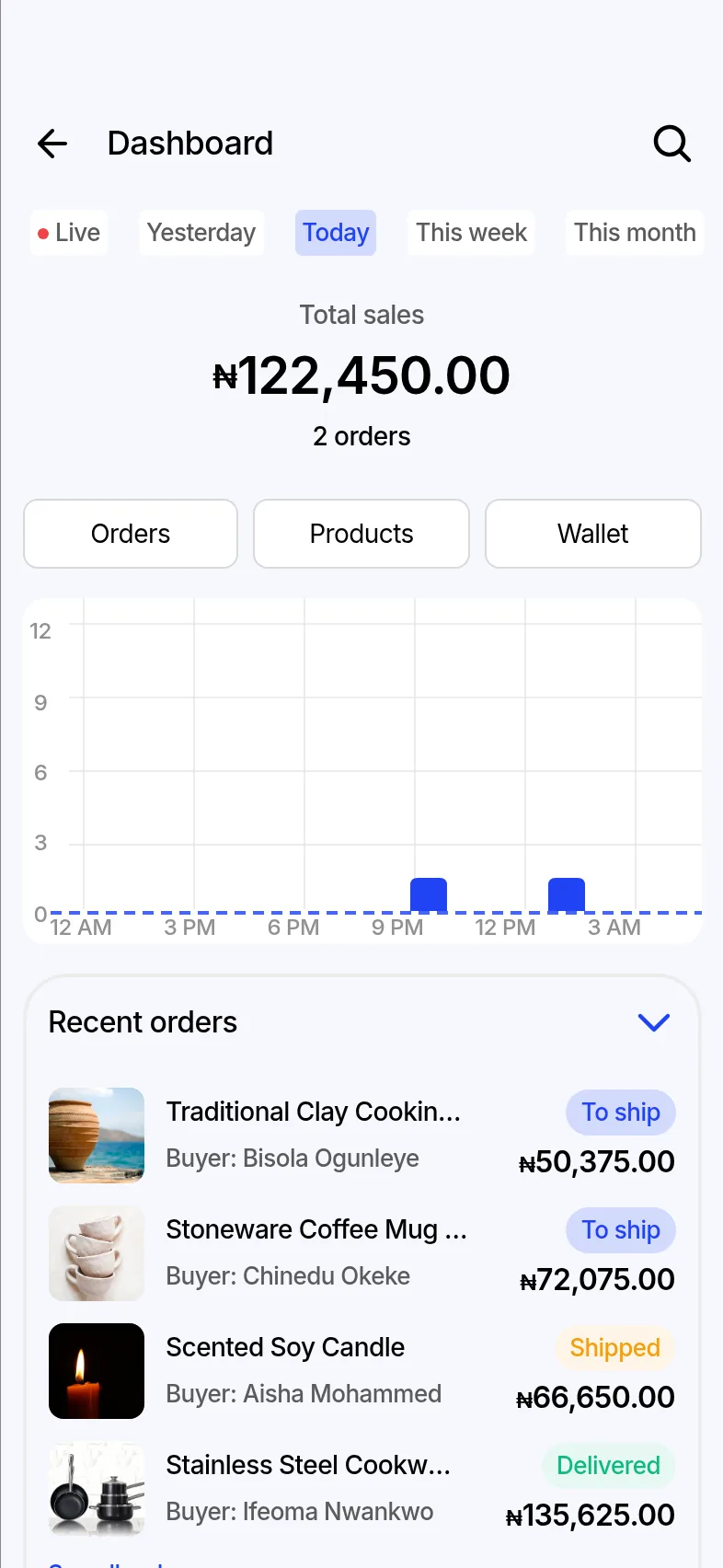
Seller dashboard
Run the whole store from your phone.
Every store gets a seller dashboard inside the Nantty app. Growing businesses can add the Nantty Dashboard on the web.
Orders
See new, paid, shipped and delivered orders, and what each buyer is waiting on.
Products and stock
Edit prices, variants and stock levels. Sold-out items stop showing in the Mart.
Buyer chats
Answer questions before and after purchase, with the order details beside the chat.
Performance
Track sales by hour, day and month, and which posts, clips and lives brought buyers to your store.
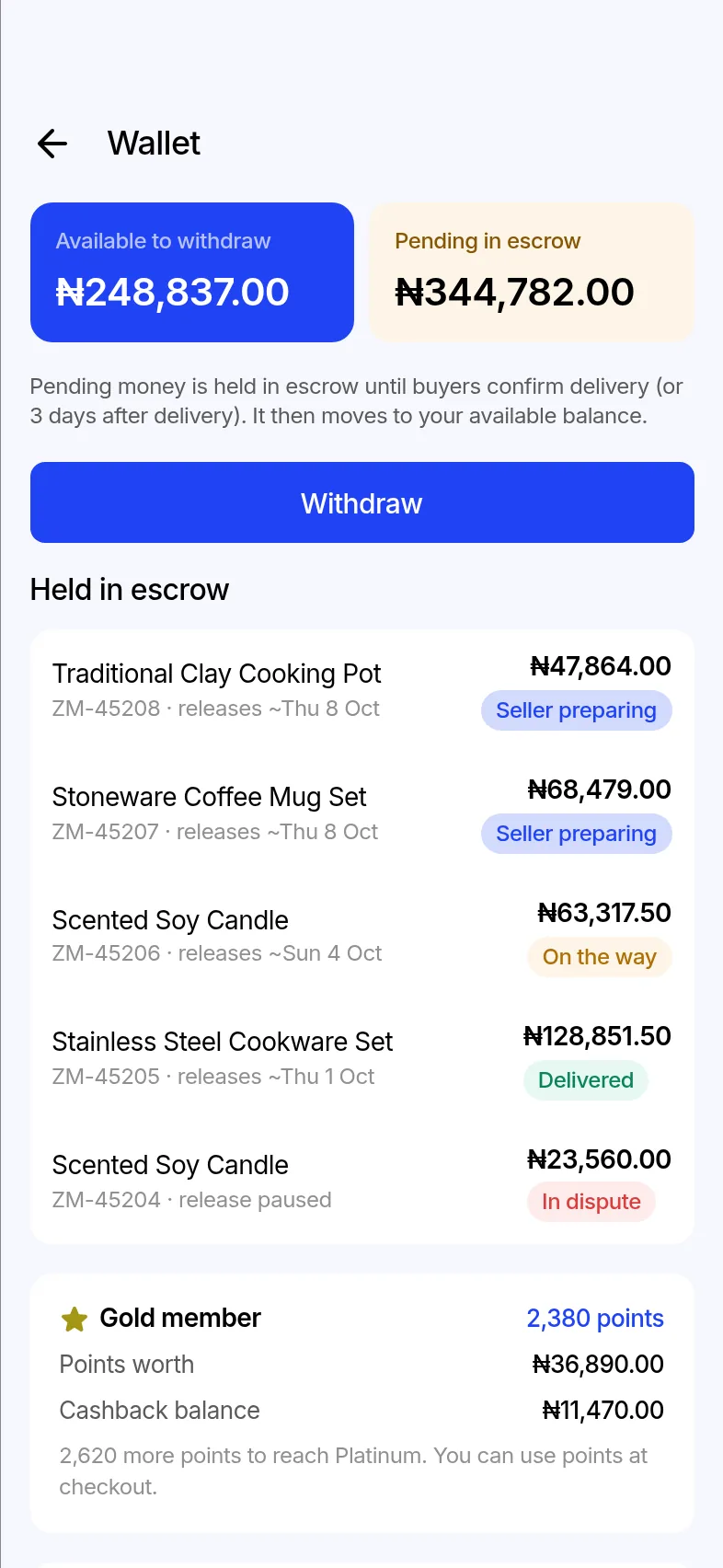
Wallet and payouts
Buyers trust escrow. You get paid on delivery.
Escrow is why new buyers take a chance on a store they just found. Once they confirm, your money is yours to withdraw.
- EscrowThe buyer's payment is held safely while the order is on its way.
- Delivery confirmedThe buyer confirms the order arrived as described.
- Your walletThe sale lands in your Nantty wallet, minus any fees.
- Your bankWithdraw to your verified bank account in your local currency.
Fees
Clear fees, published before launch.
Final pricing is being set. It will be listed here and in the app, in your local currency, before any store goes live. You will never be charged a fee you did not see first.
Placeholder: the Nantty team will replace this section with the confirmed fee schedule.
Questions about pricing? Email support@nantty.com.
What the fee schedule will cover
- Opening a storeTo be announced
- Commission on each completed saleTo be announced
- Payment processingTo be announced
- Withdrawals to your bankTo be announced
- Promoted posts and live streamsTo be announced
Do I need a registered business to sell?
No. Individuals and registered businesses can both apply. We ask for identity and bank details so we can verify you and pay you out. Registered businesses can add their registration details for extra trust.
How long does the review take?
We aim to review applications within a few working days. You will get a notification in the app when your store is approved or if we need more information.
When do I get paid for a sale?
The buyer's payment is held in escrow while the order is on its way. Once they confirm delivery, the money moves to your Nantty wallet and you can withdraw it to your bank account.
What happens if a buyer opens a dispute?
The payment stays in escrow while both sides share details and evidence in the app. The Nantty team reviews the case and decides whether to release the payment to you or refund the buyer.
Can I sell through live streams?
Yes. Approved sellers can go live, pin products during the stream, and let viewers buy without leaving the live.
What is the Nantty Dashboard?
The Nantty Dashboard is the web app where you run your store: products, inventory, app orders, customers, payouts and reports. It is free for every Nantty seller. Pro and Business add tools like bulk editing, staff accounts and accounting exports. Sign in with the same account you use in the Nantty app.
How do I advertise my store?
Boost a post or clip from the app, or use Nantty Ads on the web to run campaigns for your posts, clips, lives and products. Sign in with your Nantty account.
Open your store.
Apply to sell from the Nantty app or the Nantty Dashboard. We review every seller before their store opens.
Apply on Nantty Creator (opens in a new tab)
Coming soon